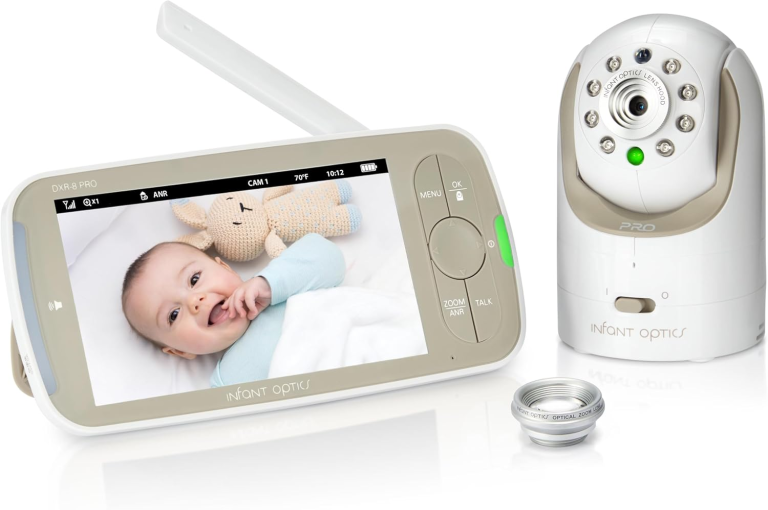
Baby Monitors with Camera Top Picks for Reliable Video Surveillance
A baby monitor with a camera is a useful tool for parents who want to keep an eye on their child while they are in another room. In the past, baby monitors only provided audio signals, but now video baby monitors let us see and hear our babies in real time. Being able to watch the crib on a tablet, phone, or special monitor gives us greater peace of mind, especially during naps or at night.
Baby monitors with cameras vary a lot in how clear the video is, how far they can transmit, and what extra features they offer. Some models include two-way audio, night vision, or motion alerts. Others work with phone apps, so we can check in from anywhere. It’s important to consider security and privacy as well, since these devices use wireless connections.
When choosing a baby monitor with a camera, the most important things to look at are video quality, connection strength, audio clarity, battery life, and privacy controls. Depending on the layout of our home, we may also need to think about range and how easy it is to set up and use the monitor. We spent many hours researching and testing a range of baby monitors with cameras to find the best options for families.
Best Baby Monitors with Camera
We have researched and selected the top baby monitors with cameras to help you keep an eye on your little one. Our list covers options with clear video, reliable performance, and useful features for peace of mind.
HelloBaby 5″ No WiFi Baby Monitor
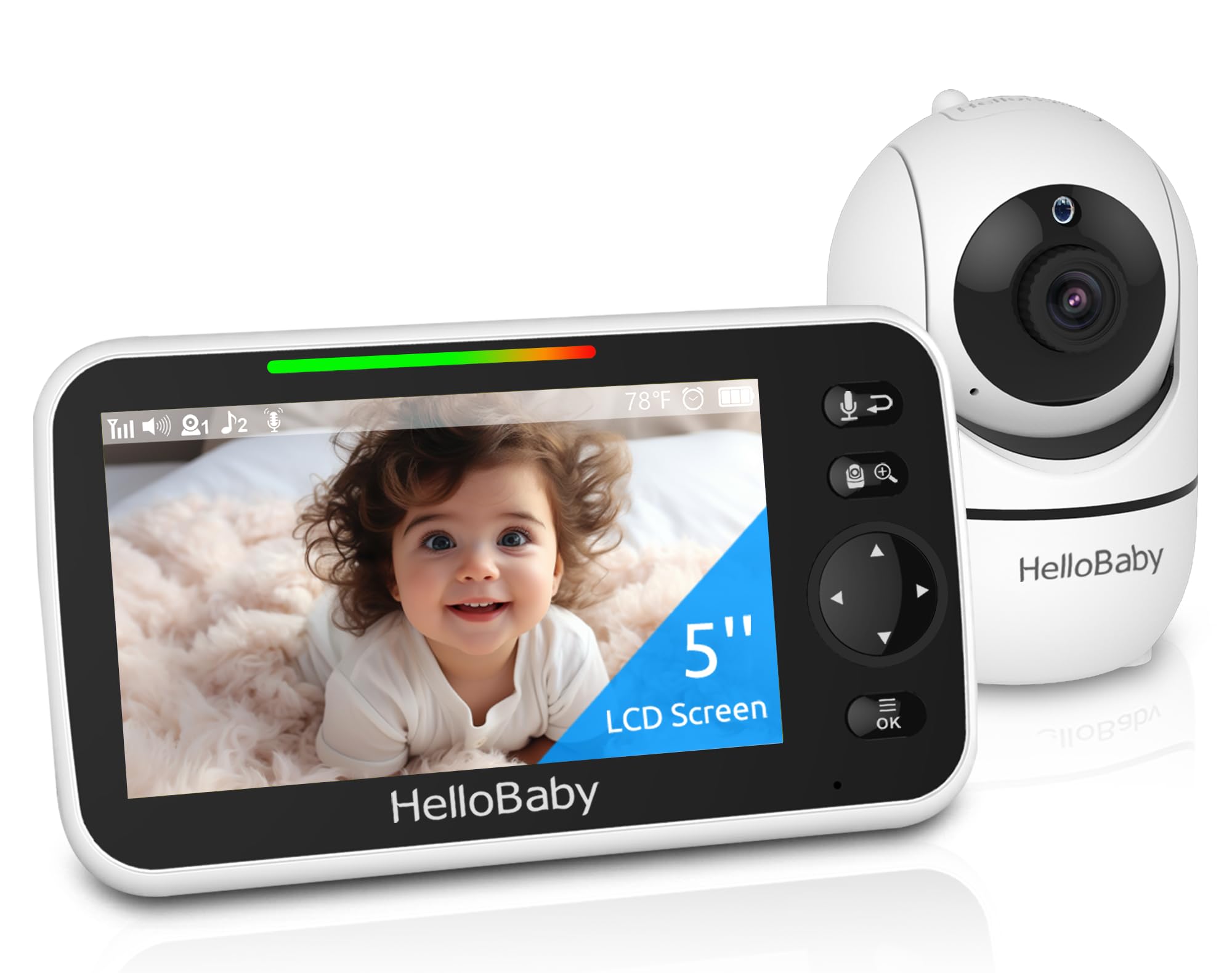
This is a reliable, non-WiFi baby monitor that’s simple to set up and helps us keep a clear eye on our baby, day or night.
Pros
- No WiFi needed, reducing risks for privacy concerns
- Wide pan and tilt with a large, clear screen
- Long battery life on the parent unit
Cons
- Can’t check in from outside the house
- Slight delay when panning the camera remotely
- Camera is not water-resistant, so it must stay indoors
We find the HelloBaby 5″ No WiFi Baby Monitor especially helpful for families who want a camera that works without internet. Setup only took us a couple of minutes, and we never had to worry about connecting to WiFi or signing into apps. The secure signal keeps things private, which we appreciate.
With its wide-angle pan and easy zoom features, we easily cover most of the nursery from one spot. The night vision surprised us; the picture really does stay clear in total darkness, and we don’t get that distracting red glow from the camera.
The battery seemed to last most of the day on a full charge. We used the two-way audio a lot to talk or calm our baby, and having extra features like lullabies and temperature alerts gave us peace of mind. Just remember that you can’t stream video when you leave the house or use your phone as a viewer. Overall, it’s a straightforward and dependable choice, especially for parents who don’t need a WiFi connection.
HelloBaby 5″ No WiFi Baby Monitor
For parents who want a reliable monitor without WiFi worries, this model provides an easy and secure option.
Pros
- No WiFi needed, reducing hacking risks
- Pan and tilt covers most of the room
- Battery lasts through the night
Cons
- Monitor screen is bulkier than some
- Camera must stay plugged in
- No phone app option
We found the HelloBaby baby monitor simple to set up right out of the box. The large 5-inch screen gave us a complete look at the nursery, and the pan-tilt controls made it easy to follow our baby as they moved around. The picture stayed clear, even at night, and the rotating camera stayed quiet.
Peace of mind comes from its wireless setup—there’s no need for WiFi or messing with your phone, which became a real plus for us. It also helped us avoid the worry of someone hacking into the feed. Having two-way audio was handy; we could talk to our baby or play a lullaby without walking into the room.
A few downsides showed up in daily use. The monitor is a little bigger and less portable than others we’ve tried, and the camera must stay plugged into a wall, limiting where it could go. Still, for straightforward monitoring and a strong battery life, the HelloBaby monitor keeps things simple and secure.
VTech VM819 Baby Monitor
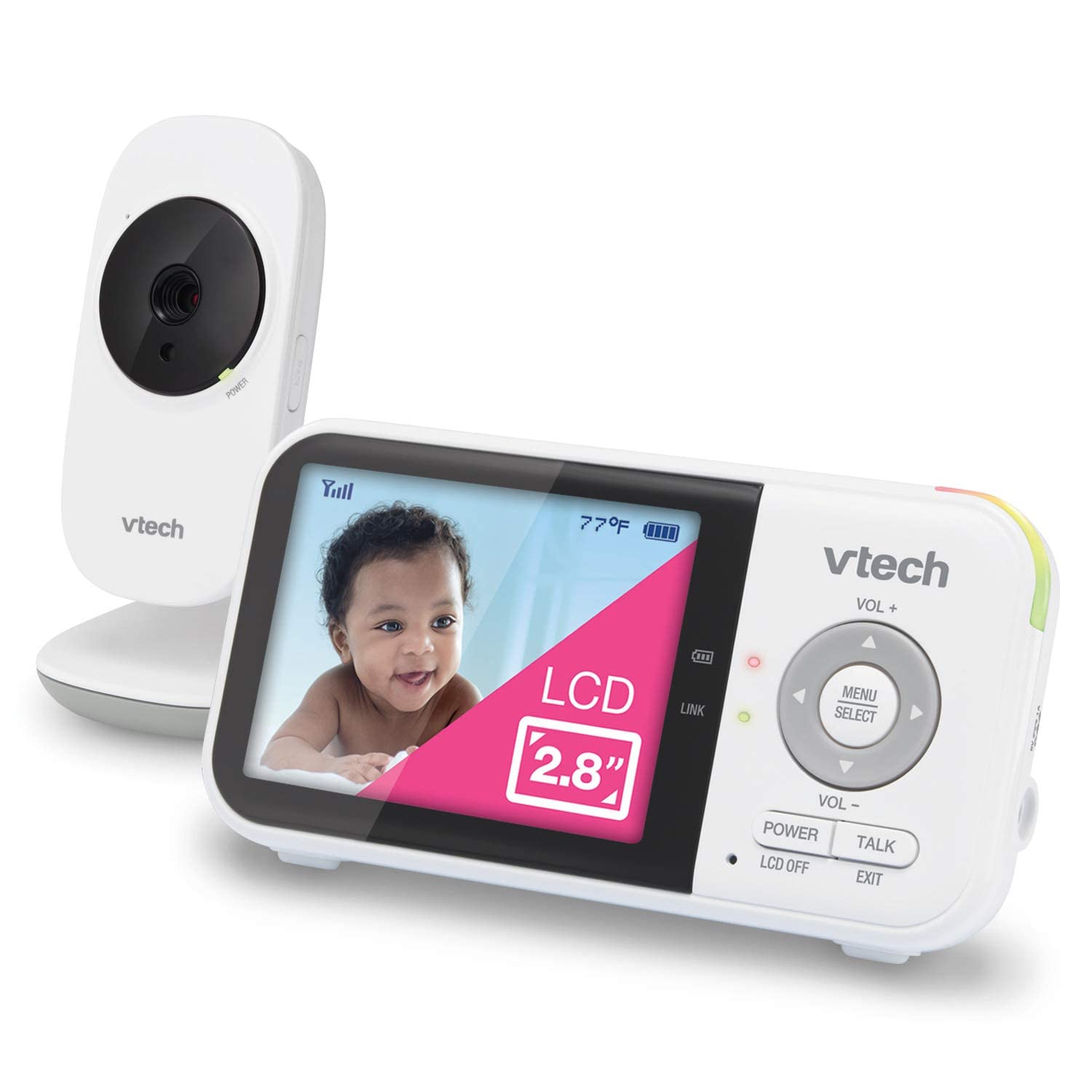
This is a simple and dependable baby monitor with good battery life and useful features for daily use.
Pros
- Long battery life means we rarely have to recharge
- Easy to use right out of the box, no Wi-Fi setup needed
- Lets us talk to our baby and plays calming sounds
Cons
- The camera image is not as sharp as some newer models
- Zoom is limited and there’s no pan or tilt
- Screen size is small and basic
Setting up the VTech VM819 was quick, and we appreciate not having to deal with Wi-Fi or downloading extra apps. We just plugged it in and could see and hear our baby with almost no effort. The secure connection also helps us feel more comfortable, as only we can access the monitor.
The battery life really makes it stand out for us. We can get almost a full day of monitoring before it needs charging, which means we can move around the house without dragging a cord everywhere. Having sound indicators and a temperature alert is useful, especially during naps or at night.
While it’s great for basic monitoring, we noticed the video picture is not the sharpest, especially in low light. The screen is also smaller than others we’ve tried, so it works best if we just want a clear look at our baby’s movements, not fine details. It’s reliable for checking in at home, but may not suit those who want more advanced camera control or high-definition video.
VTimes Baby Monitor with Camera
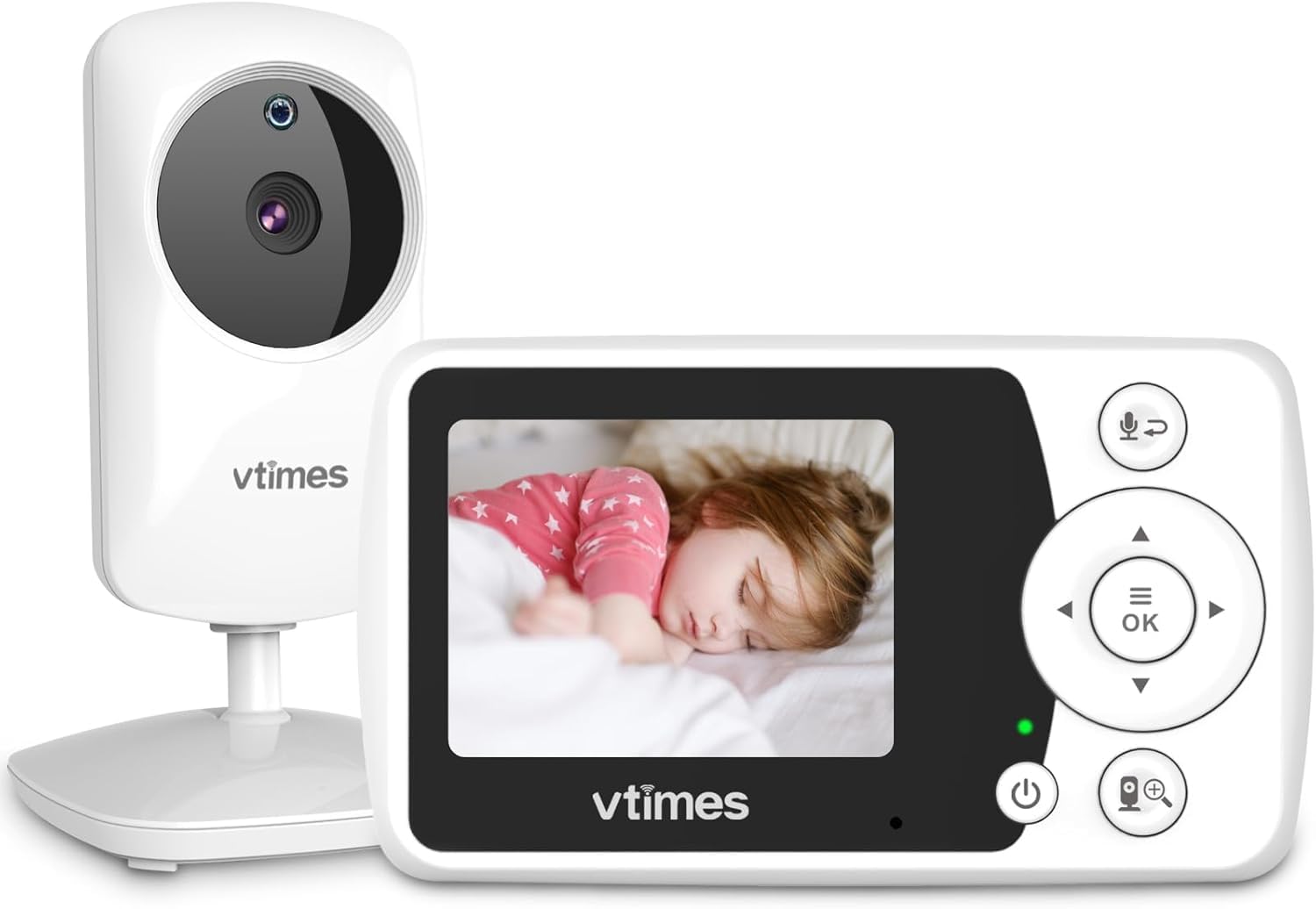
This monitor is a solid choice for parents who want something simple, reliable, and easy to move from room to room.
Pros
- Portable and lightweight, making it easy to carry
- Night vision works well for checking in after dark
- Clear video and sound without needing Wi-Fi
Cons
- Bright screen can be distracting in a dark room
- Range may decrease in larger homes over time
- Limited advanced features compared to more expensive monitors
The VTimes Baby Monitor impressed us right away with how simple it is to set up. We plugged it in, turned it on, and had a live feed of the nursery in seconds. The compact size means it’s easy to carry around the house or pack when we’re on the go.
We liked not having to use Wi-Fi or worry about apps. The private connection gave us peace of mind, especially since we didn’t have to deal with passwords or internet crashes. Video quality is sharp enough for us to see if the baby’s awake or asleep, and the audio picks up every little coo and cry.
Night vision is clear, so we could check on our baby even in total darkness. The eco mode is useful—our screen stayed off until there was noise, which saves battery. However, the bright display was sometimes too much at night. The range was strong at first but seemed a little weaker when we tested it farther outside.
Overall, the VTimes monitor covers the basics and does them well. It’s not packed with extras, but it gives us peace of mind and is easy to use for daily monitoring.
Blemil 6″ Dual Camera Baby Monitor
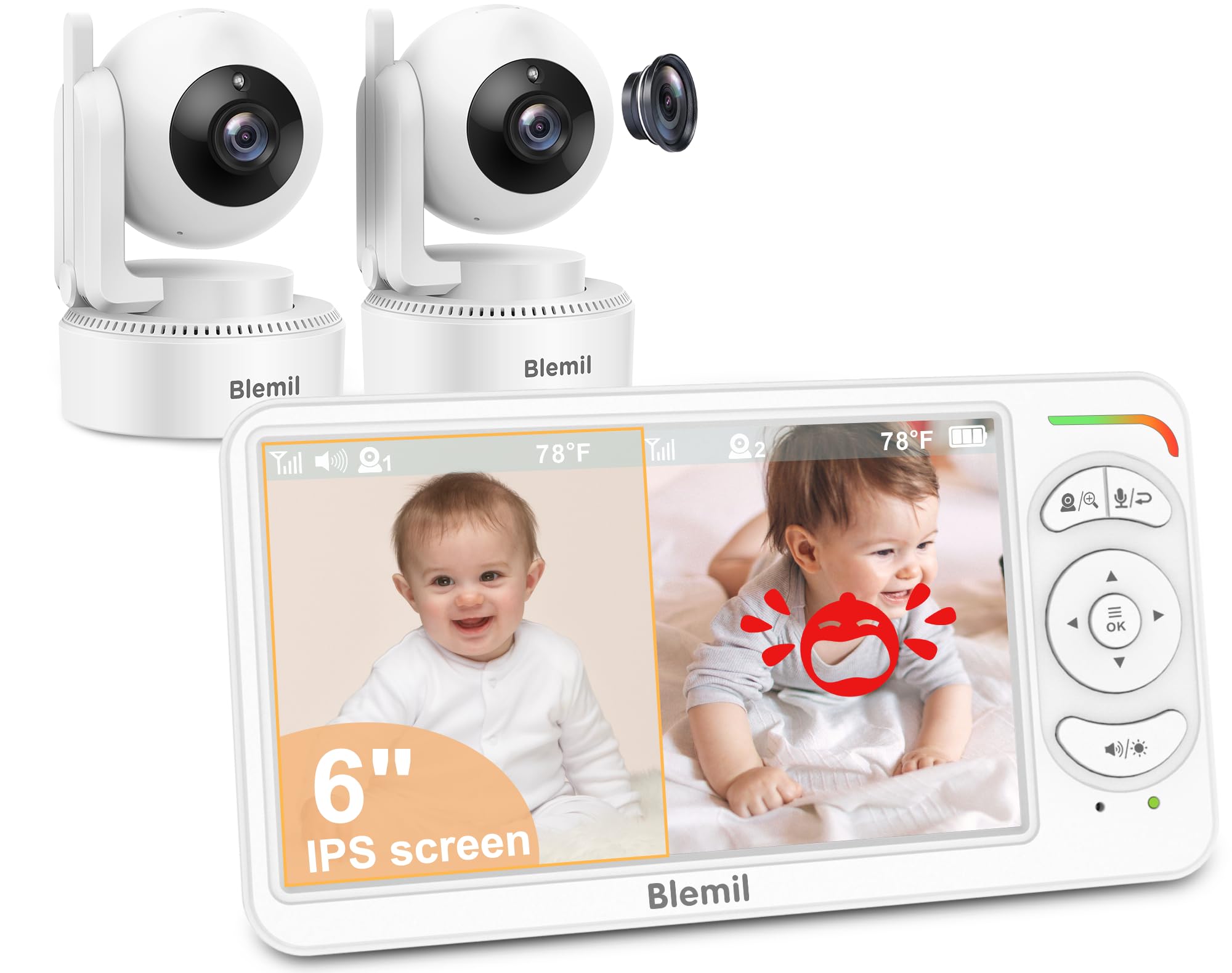
This monitor is a practical choice for parents who want reliable coverage of two rooms at once, without using WiFi.
Pros
- Monitors two areas at the same time with split-screen
- Extra-large and clear screen is easy to see day or night
- Long battery life keeps it working overnight
Cons
- Menus can be confusing at first
- Alerts may be too sensitive for some
- Cannot check video on a phone
After using the Blemil 6″ Dual Camera Baby Monitor, we appreciate how the dual cameras provide real peace of mind. It’s simple to set up and didn’t require us to mess with WiFi, which makes it feel much more secure. The split-screen view is ideal for checking on two kids or seeing different angles in the same room.
The large screen stands out. It’s sharp and easy to see, so even in low light, we never feel like we’re missing anything. We also like being able to control the brightness and volume right from the buttons. Not having to go deep into the settings to adjust simple things saves time, especially late at night.
Battery life has been strong, so there’s no need to charge it constantly. The controls, however, take some getting used to; it’s not always clear what each button does right away. We did notice that the cry alerts are very sensitive and can sometimes go off due to loud noises, not just our baby. Still, the privacy of a non-WiFi signal outweighs the minor hassles. For everyday use, we find it dependable and reassuring.
HelloBaby 6” IPS Baby Monitor
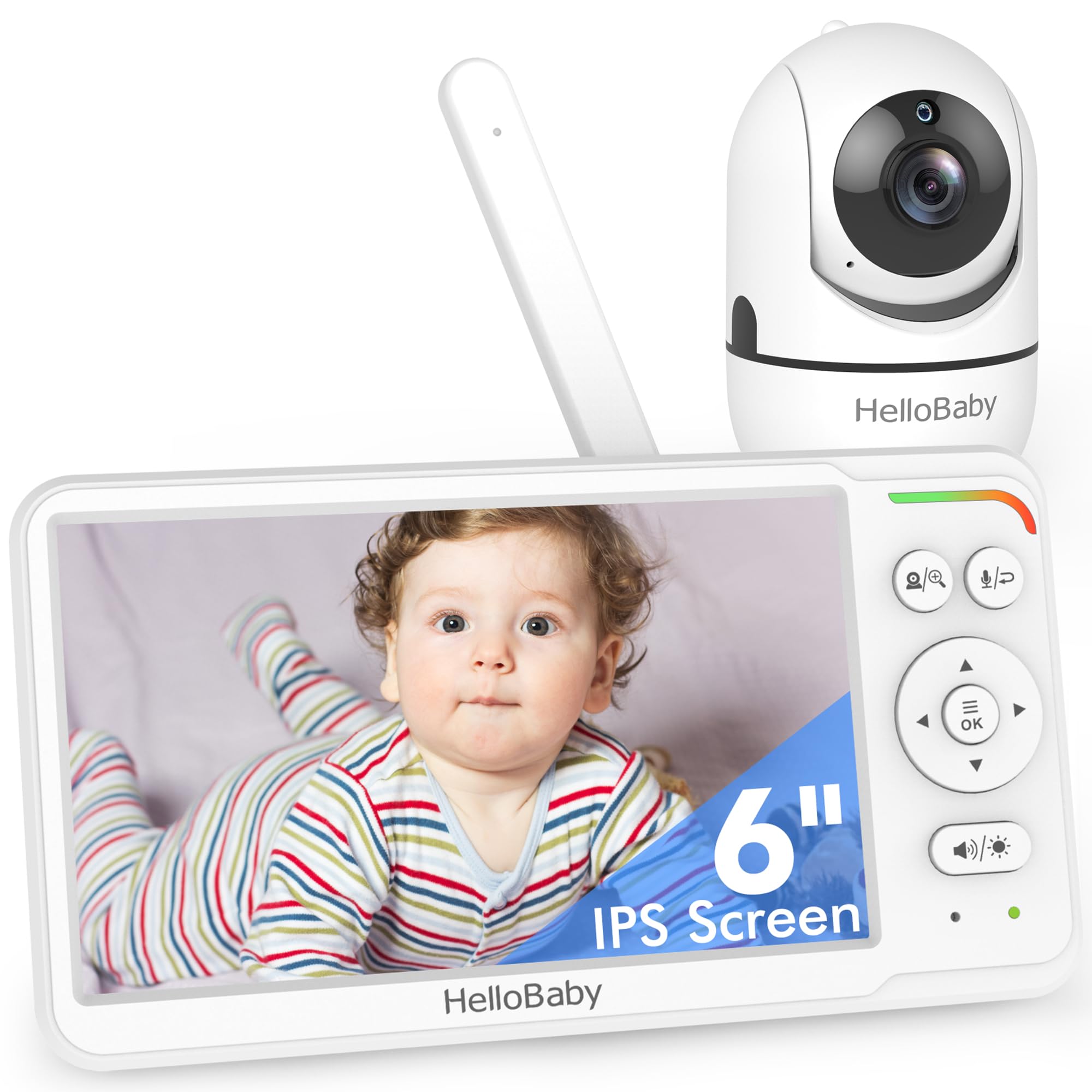
If we want a baby monitor with a large, clear screen and easy use without WiFi, this is a dependable pick.
Pros
- Bright 6-inch display is easy on the eyes, even at night
- Reliable long battery life—lasts all night on one charge
- Full pan, tilt, and zoom make it simple to check the whole room
Cons
- Picture can look a bit grainy in low light
- Screen takes a moment to show full color when the room is dark
- No WiFi means we can’t check in from our phones
We were able to get this monitor up and running in just a few minutes, with no tricky setup or app needed. The large, crisp screen made it comfortable to watch our baby even from across the room. Not having to mess around with WiFi or passwords was a big relief, especially for grandparents.
The camera’s pan and tilt features let us see every part of the room, so we never worried about blind spots. Even at night, the infrared vision kept things clear enough to spot any movement. Two-way audio was handy for calming our baby without rushing into the room, and the monitor lasted through the night without needing a second charge.
A few small things stood out. The image sometimes isn’t the sharpest when the room is very dark and can take a few moments to adjust colors once the lights turn on. While some might miss phone access, we liked the extra privacy. For families who prefer a reliable, easy-to-use monitor with a big screen, HelloBaby 6” IPS Baby Monitor makes daily life a bit easier.
Buying Guide
When picking a baby monitor with a camera, we should look for key features that make monitoring easier and safer. Video quality is important; we want clear images, even in low light. Night vision allows us to check on our baby day or night.
Sound sensitivity is another thing to check. Some monitors alert us if our baby cries or makes noise. Two-way audio lets us speak to our baby from another room.
Range is something we can’t ignore. We should look for a model that works well throughout our home. Battery life matters too. A longer battery means less charging during the day.
We may find these features helpful:
- Pan, tilt, and zoom functions
- Easy-to-use mobile apps
- Multiple camera support
- Privacy settings
Here’s a quick table to compare features:
| Feature | Why It’s Helpful |
|---|---|
| Video Quality | Clear view of the baby |
| Night Vision | See in low light |
| Two-Way Talk | Soothe or talk to baby |
| Good Range | Works across the house |
| Strong Battery | Less charging needed |
We need to decide which features fit our needs best. Checking for secure connections and easy setup can also help us make the right choice.
Conclusion on Baby Monitor With Camera
When we look for a baby monitor with a camera, we want features that help us feel secure and connected. Camera monitors let us see and hear our baby, adding peace of mind.
Many models now include night vision, two-way audio, and even temperature sensors. These tools help us check on our child at any time, day or night.
Here are some features we focus on when choosing a monitor:
| Feature | Benefit |
|---|---|
| Night Vision | Check baby in low light |
| Two-way Audio | Talk to baby remotely |
| Mobile App Access | Watch from our phone |
| Room Temperature | Monitor the nursery climate |
Before we decide which camera to buy, we should think about our home’s layout, how far the signal reaches, and if we want extra options like lullabies.
In the end, camera baby monitors are tools that help us stay connected and aware of our child’s needs. They are not a replacement for being present, but they are helpful for busy parents who want extra support.
Frequently Asked Questions
We find that it is important to look for practical features, safety, and ease of use when selecting a baby monitor with a camera. We also need to stay aware of privacy and how monitors connect to our devices.
What are the key features to look for in a high-quality baby monitor with camera and audio?
We should look for clear video quality (at least 720p HD), night vision, and two-way audio. A good range, long battery life, and secure connection are important. Reliable alerts for sound or motion and easy setup help us monitor our baby better.
How do I choose between a baby monitor with a dedicated screen versus one that uses a smartphone app?
A dedicated screen works well if we do not want to rely on our phones. Monitors using smartphone apps let us check in from anywhere, but they use Wi-Fi and may need more setup. We should think about our habits and if we want to use our phone for monitoring.
What are the safety considerations when installing a camera-based baby monitor in a nursery?
We should place the camera out of the baby’s reach, and keep cords away from the crib. The monitor should not point directly at a window or light source to avoid glare. Wall mounting is often safer than setting the camera on a table.
Can multiple cameras be connected to a single baby monitor for monitoring different rooms?
Many monitors let us connect two or more cameras to one parent unit or app. This feature helps us keep an eye on twins or monitor more than one room. We need to check the product details to see how many cameras are supported.
What are some of the best baby monitors on the market known for reliability and clear video quality?
Models like the Infant Optics DXR-8 Pro, VTech VM819, and Nanit Pro are often recommended. These monitors offer clear video, secure connections, and helpful features. We should look at updated reviews to find the best fit for our needs.
How do I ensure the security and privacy of a baby monitor that connects to the internet?
We need to set a strong, unique password on our device and use the latest firmware updates. It’s best to pick monitors that offer encrypted connections. We should avoid sharing login details and review privacy settings regularly.